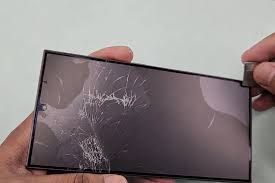
Identify the Symptom First
Camera problems come in a few distinct forms — and the fix varies based on what you're seeing:
- Black or frozen camera screen — most common, usually a software issue or another app holding the camera
- Blurry photos or video — can be dirt on the lens, OIS damage from a drop, or a cracked lens cover
- Camera app crashes immediately — software bug, corrupted app data, or iOS/Android issue
- Front camera works but rear doesn't (or vice versa) — module-specific hardware damage
- Shaky or unstable video — optical image stabilization (OIS) mechanism knocked loose from drop
Fix 1: Close the Camera App Completely and Reopen
On iPhone, swipe up from the bottom (or double-tap Home on older models) to open the App Switcher, then swipe the Camera app upward to close it. Wait 5 seconds and reopen it. This clears any memory state that may have locked the camera.
On Android, use the Recent Apps button to close the Camera app entirely, then reopen it. This resolves black screens caused by the camera process getting stuck.
Fix 2: Force Restart the Phone
A force restart clears the entire memory state and is one of the most effective fixes for a camera that won't respond. It's not the same as a regular restart — it forces a hardware-level reboot.
iPhone 8 and newer: Press and quickly release Volume Up → press and quickly release Volume Down → press and hold Side button until Apple logo appears.
Samsung/Android: Hold the Power + Volume Down buttons simultaneously for 10 seconds until the phone restarts.
After the restart, open the Camera app again. This fixes the majority of black-screen camera issues.
Fix 3: Clean the Camera Lens
Before concluding there's hardware damage, check the lens glass. Fingerprints, smudges, and especially oil from fingers cause dramatically blurry images that look like camera damage. Use a clean, lint-free microfiber cloth and wipe the camera lens in a gentle circular motion.
Also check: if there is a protective phone case with a camera cutout, check whether the case edge is overlapping the lens slightly — this can cause dark vignetting in photos that looks like a hardware problem.
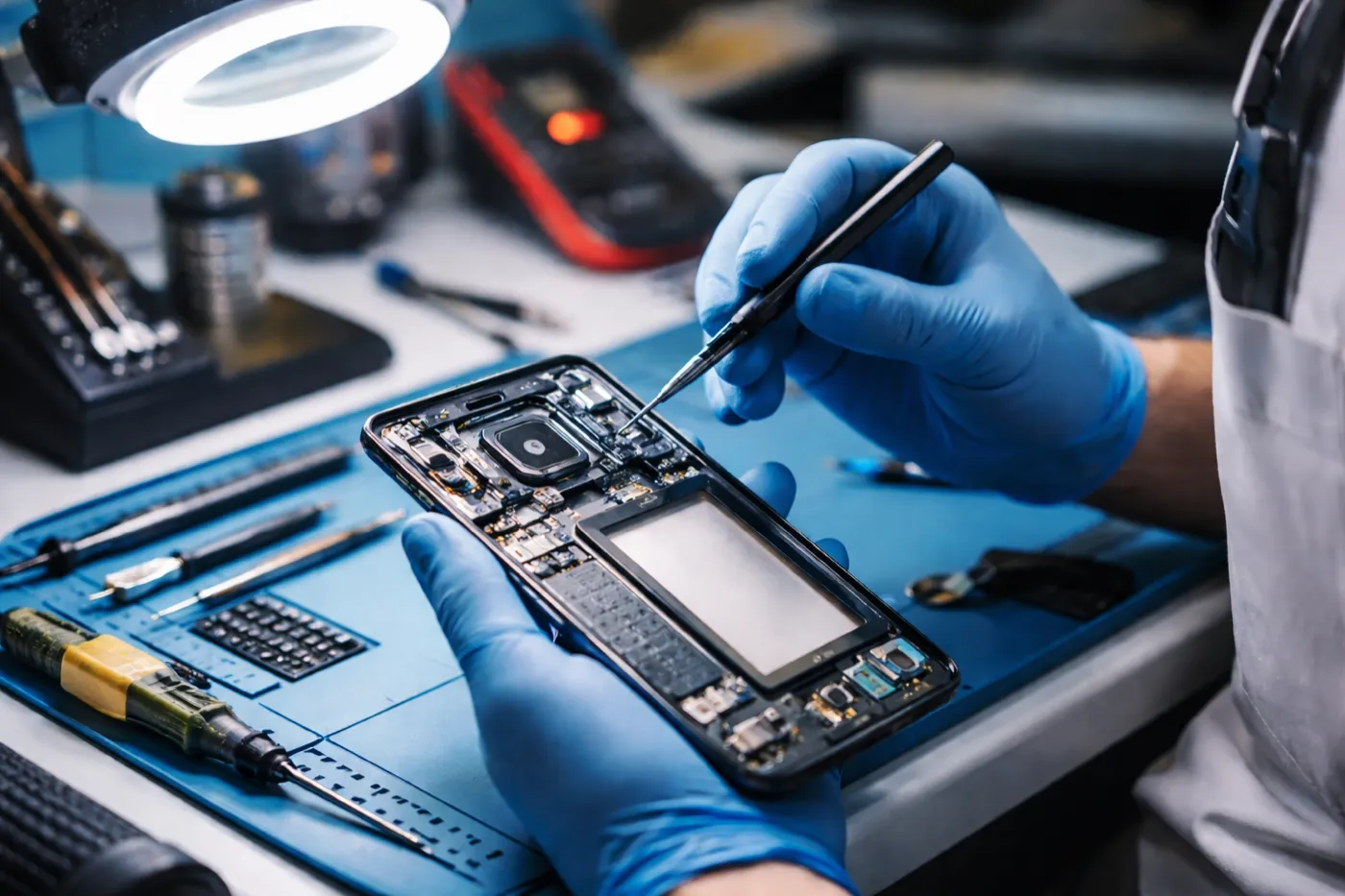
Fix 4: Check if Another App Is Using the Camera
On both iPhone and Android, only one app can access the camera at a time. If a video call app (FaceTime, Zoom, Instagram) is running in the background and holding the camera, the Camera app will show a black screen.
Fix: Close all apps completely (not just the Camera app), wait 10 seconds, and open the Camera app fresh. On iPhone, check the green indicator dot at the top of the screen — if it's visible, an app is actively using the camera.
Fix 5: Update iOS / Android and Reset Camera Settings
A bug in a specific iOS or Android version can break the camera app. Check Settings → General → Software Update (iPhone) or Settings → Software Update (Samsung) and install any available update.
On iPhone, you can also try resetting all settings without erasing data: Settings → General → Transfer or Reset iPhone → Reset → Reset All Settings. This resets camera preferences, permissions, and configurations to defaults without deleting any photos or data.
On Android, go to Settings → Apps → Camera → Storage → Clear Cache (not Clear Data). This removes corrupted temporary files that can cause crashes.
Fix 6: Check App Permissions
Sometimes an iOS or Android update resets app permissions. If third-party camera apps (Snapchat, Instagram, WhatsApp) can't access the camera, the permission was revoked.
iPhone: Settings → Privacy & Security → Camera → confirm the app is toggled on.
Android: Settings → Apps → [App name] → Permissions → Camera → Allow.
Note: this fix applies to third-party apps only. The built-in Camera app always has camera access.
When It's a Hardware Problem
If you've tried all 6 fixes and the problem persists — or if the camera issue started immediately after a drop — the issue is hardware. The most common hardware camera failures are:
- Cracked camera lens glass — the glass cover over the camera cracked on impact, causing blurry or distorted images. Lens cover replacement is cheaper than a full camera module swap.
- Damaged OIS mechanism — a drop can knock the optical image stabilization gimbal loose, causing constant shake and blur in photos and video.
- Disconnected camera flex cable — an internal drop impact can detach the camera's flex cable connector from the logic board without any visible external damage.
- Water damage to camera module — water ingress causes the image sensor to malfunction, often appearing as a black screen or image artifacts.
| Camera Problem | Fixtronics Price | Turnaround |
|---|---|---|
| Camera diagnosis | Free | 10 min walk-in |
| Camera lens glass replacement | From $49 | Same-day |
| Camera module replacement | From $79 | Same-day |
| Water damage camera repair | From $49 + parts | Same-day |
Camera still broken? Free diagnosis at Fixtronics
Near Penn Station in Midtown Manhattan. Walk in, we'll assess your camera for free and tell you the exact cost before any work starts. Camera repair from $49, same-day.